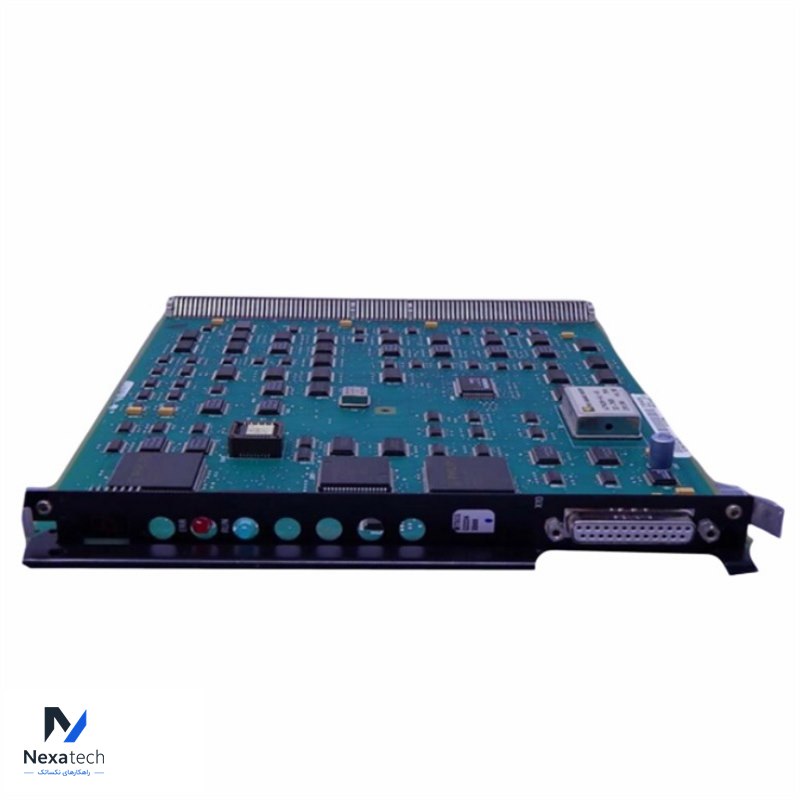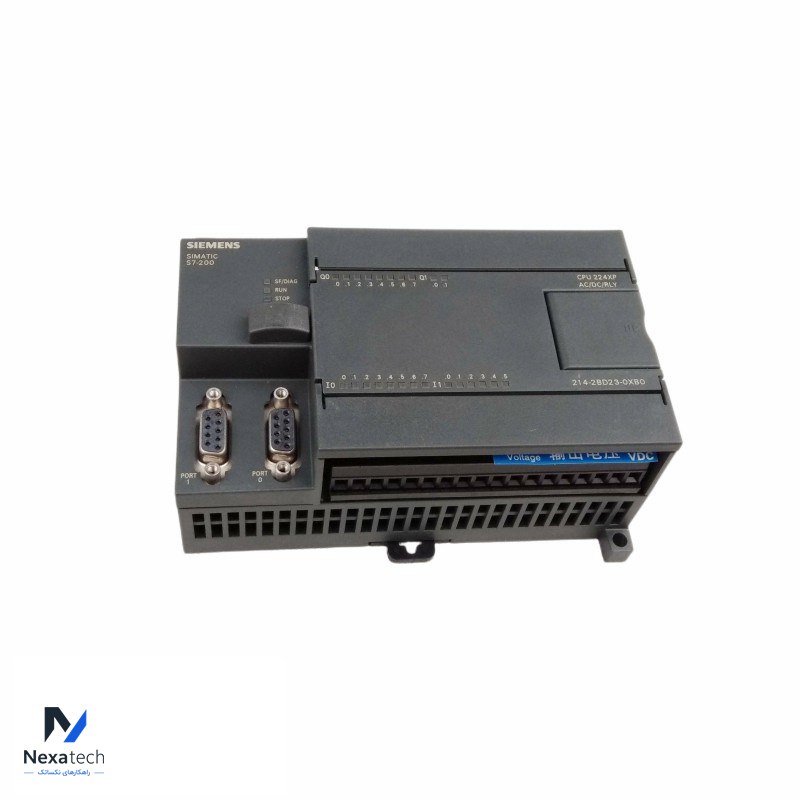
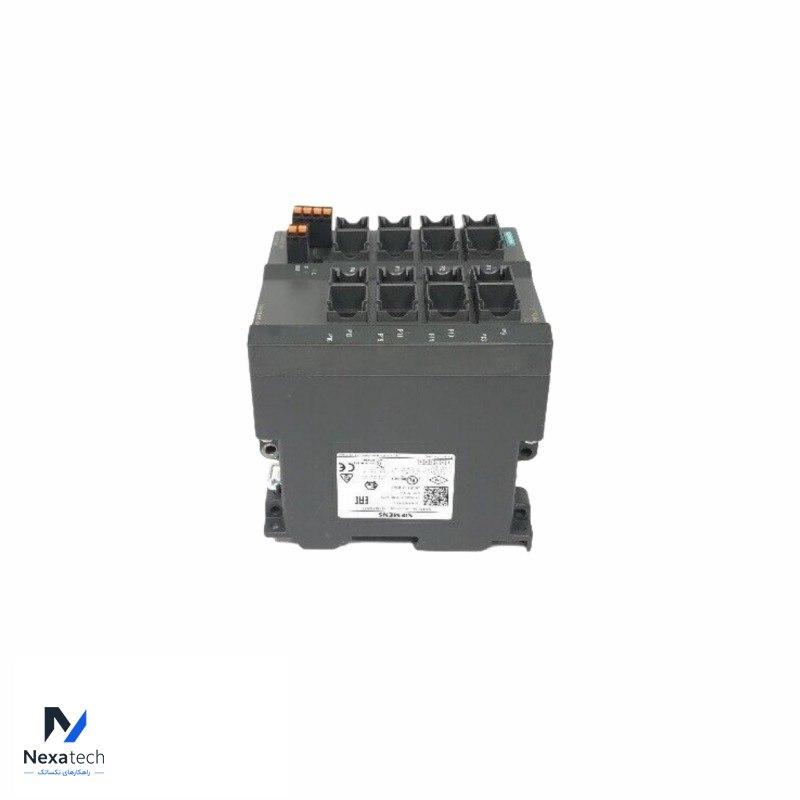
Siemens 6ES7214-2BD23-0XB0 CPU 224XP Compact Unit
توضیحات محصول
مشخصات فنی
| Specification | |
| Brand Name | Siemens |
| Model Number | 6ES7214-2BD23-0XB0 |
| Alternate Part Number | 6ES7214-2BD23-0XB0 |
| Condition | 100% Original |
| Dimensions | 12x8.7x6.2cm |
| Description | CPU 224XP Compact Unit |
| Weight | 0.38KG |
| Warranty | 12 Months |
Siemens 6ES7214-2BD23-0XB0 is a product that provides powerful processing capabilities and flexible communication interfaces, suitable for small and medium-sized automation applications such as mechanical control, process automation and building management. It supports multiple communication protocols and has efficient signal processing and control functions to help achieve precise automation control and monitoring.
Description:
Part Number: 6ES7214-2BD23-0XB0
Model: CPU Module for SIMATIC S7-1200
Brand: Siemens
Condition: New & Original in Factory Packing
Factory Warranty: 12 Months
FAQ:
1. What is the function of the Siemens 6ES7214-2BD23-0XB0 CPU module?
The Siemens 6ES7214-2BD23-0XB0 is a CPU module from the SIMATIC S7-1200 series, designed for use in industrial automation systems. It serves as the central processing unit, handling control tasks, signal processing, and communication between various input/output (I/O) modules and connected devices. This CPU module is ideal for applications that require compact, reliable, and cost-effective solutions for automation tasks in industries like manufacturing, process control, and building automation.
2. What types of communication protocols does the Siemens 6ES7214-2BD23-0XB0 support?
The 6ES7214-2BD23-0XB0 CPU module supports multiple communication protocols, including PROFINET for Ethernet-based communication and MPI (Multi-Point Interface) for connecting to other Siemens PLCs and devices. This allows seamless integration with other automation systems and devices, enabling efficient data exchange, remote monitoring, and control in distributed control systems.
3. How do I configure the Siemens 6ES7214-2BD23-0XB0 CPU module?
To configure the Siemens 6ES7214-2BD23-0XB0 CPU module, you need to use the Siemens TIA Portal (Totally Integrated Automation Portal) software. After physically installing the module into the SIMATIC S7-1200 rack, connect the CPU to your PC via Ethernet or MPI. Using TIA Portal, you can set up the I/O configuration, define communication settings, and program the logic for control operations. The software also allows you to monitor and troubleshoot the system for optimal performance.
محصولات مرتبط
SIEMENS ULTRAMAT 23 7MB2331-0BP00-2CA0 PLC Module
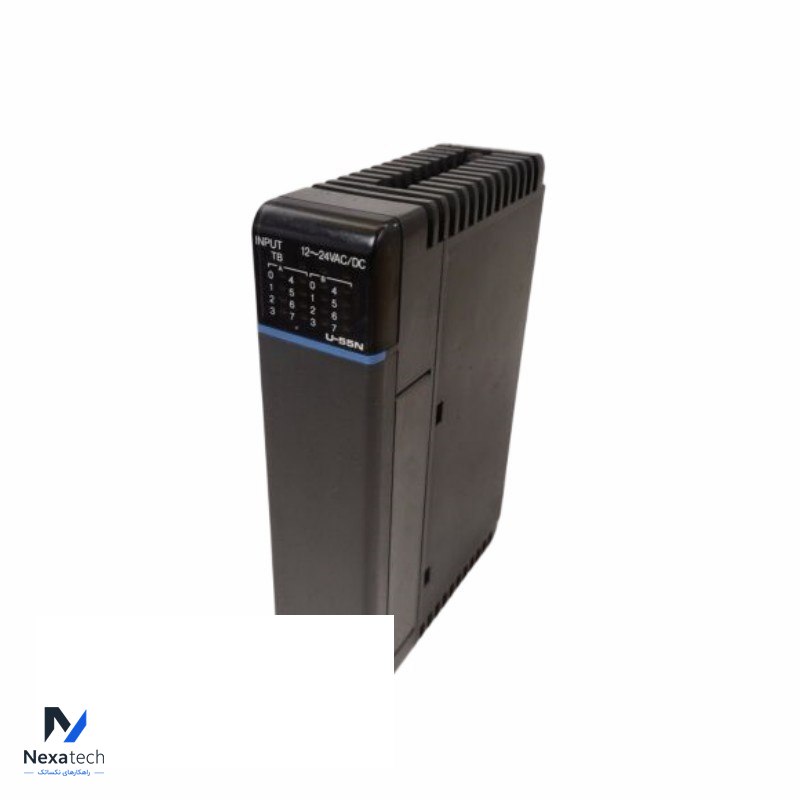
Siemens U-55N Input Module
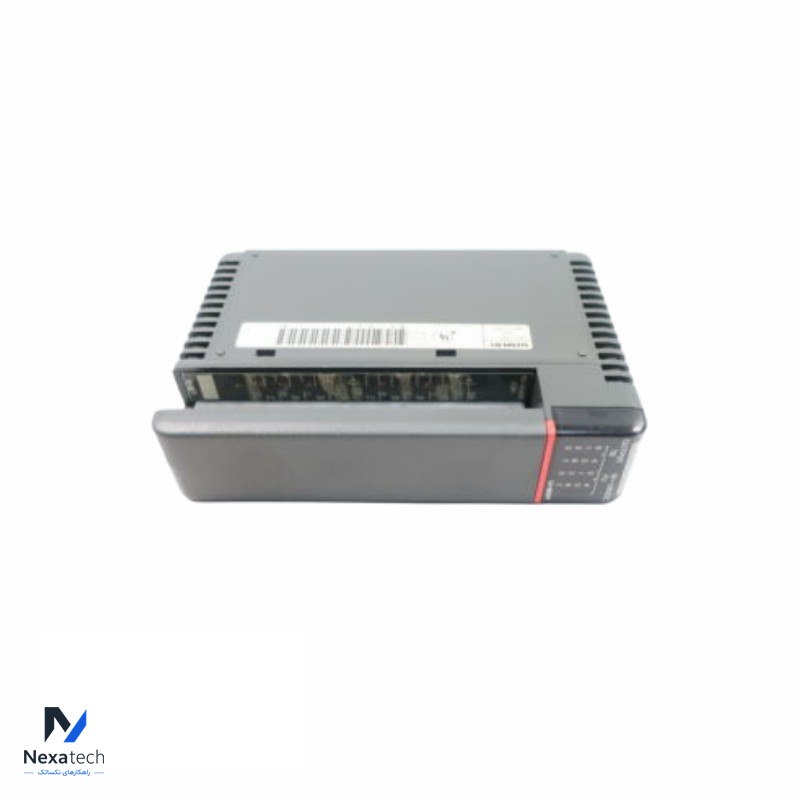
SIEMENS U-55T Output Module
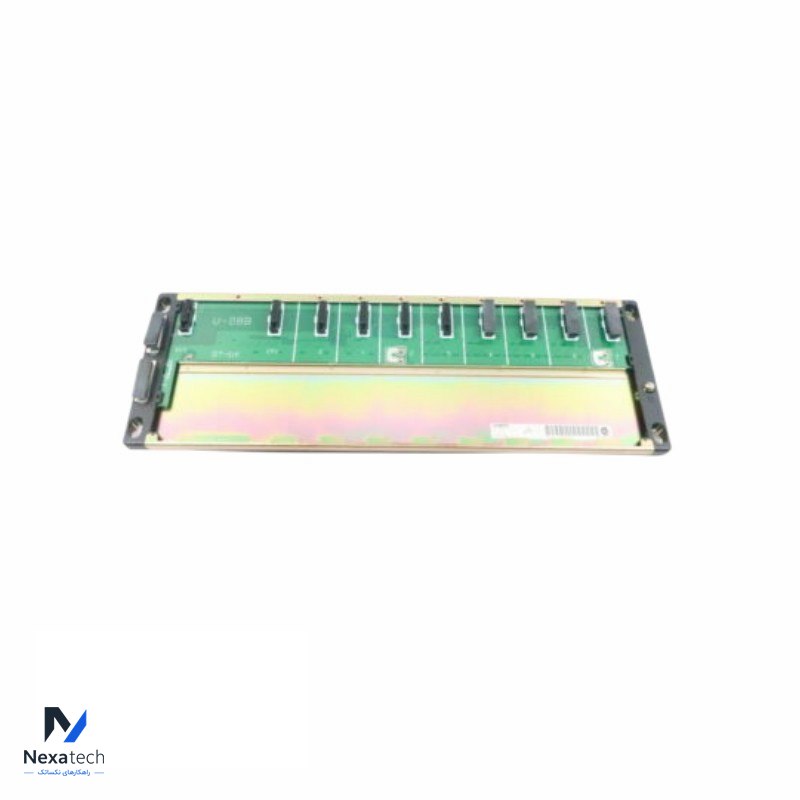
Siemens U-08B 8 Slot Base Rack Module
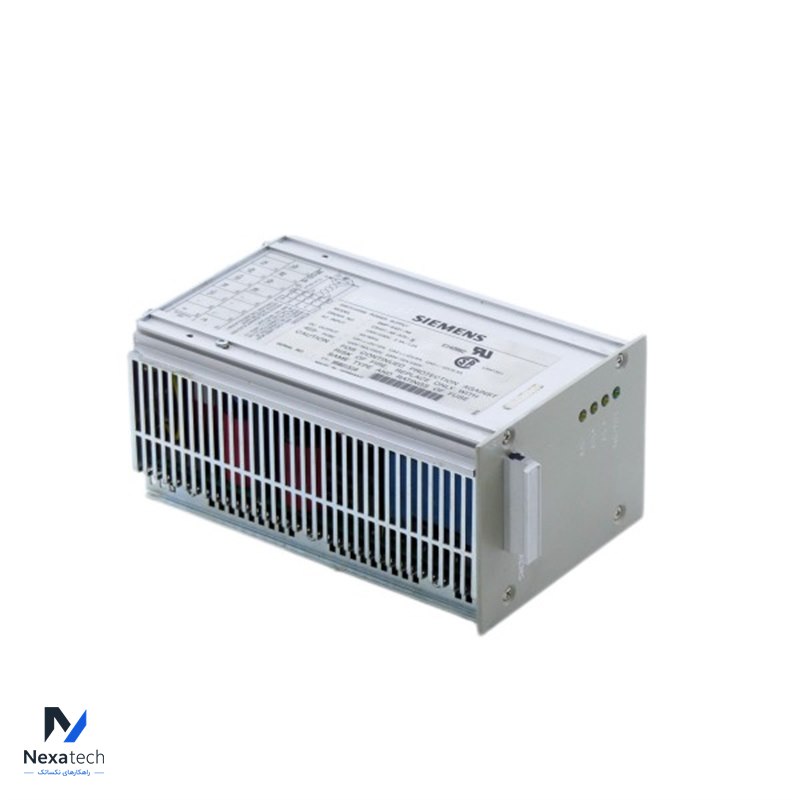
Siemens SMP-E431-A6 Power Supply Module
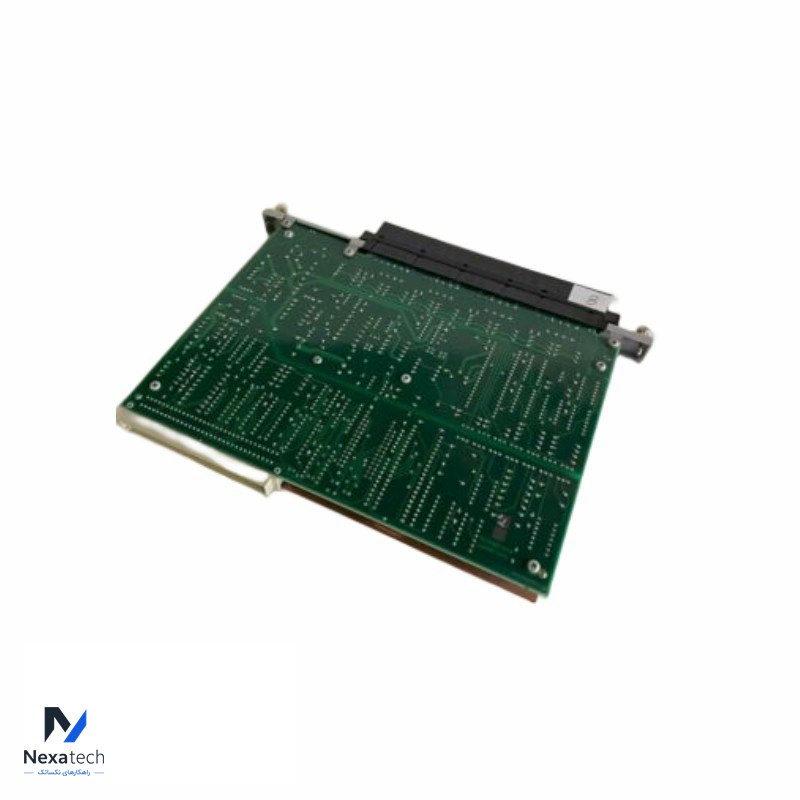
Siemens Texas Instruments 505-6108A Analog Input Module
Siemens SCALANCE X204-2 6GK5204-2BB10-2AA3 Managed IE Switch