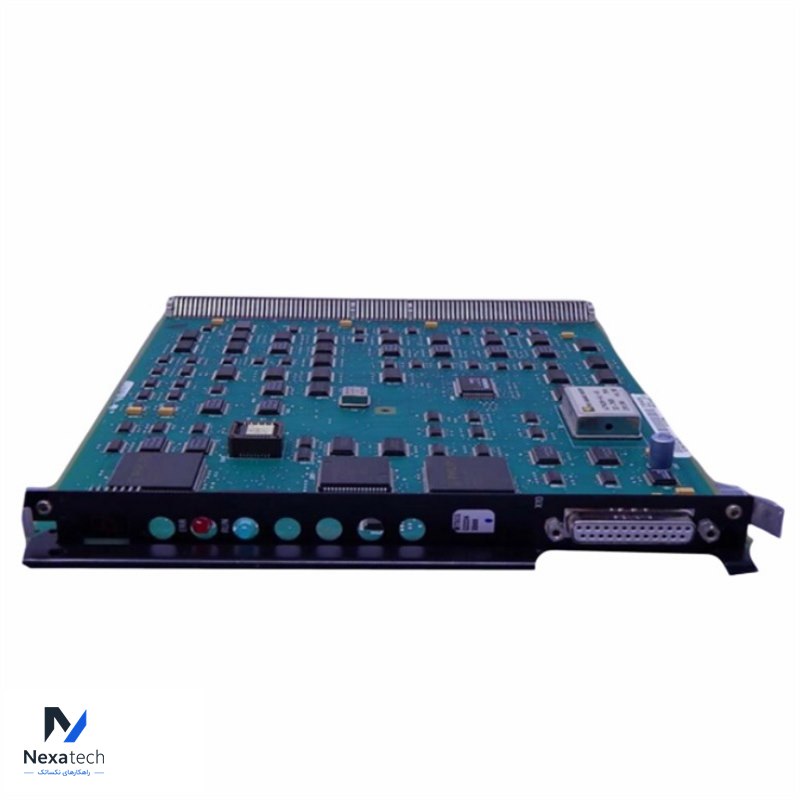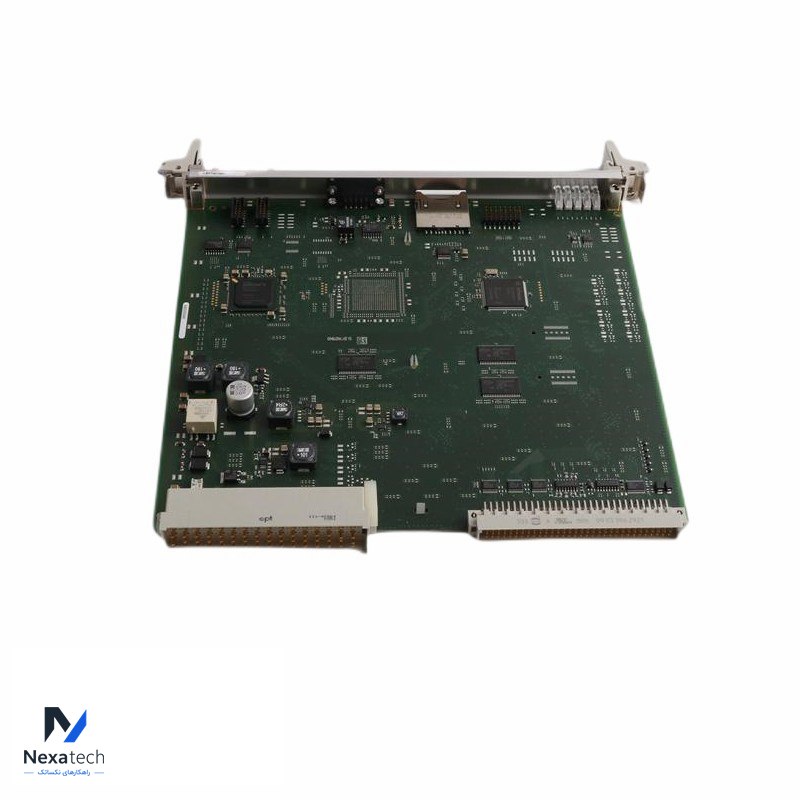
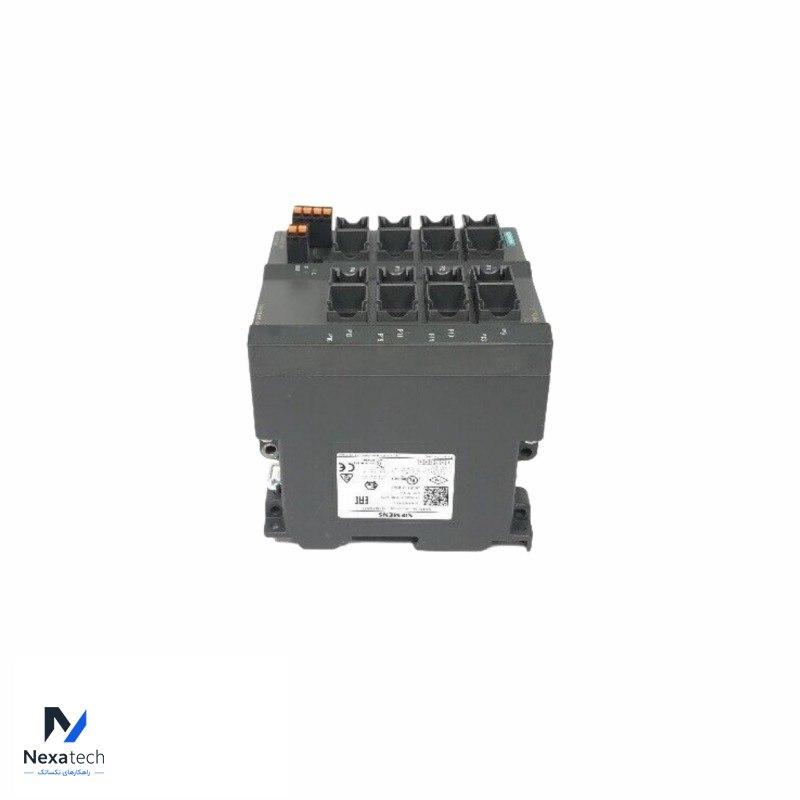
Siemens 6DP1616-8CA INTERFACE MODULE
توضیحات محصول
مشخصات فنی
| Specification | |
| Brand Name | SIEMENS |
| Model Number | 6DP1616-8CA |
| Alternate Part Number | 6DP1616-8CA |
| Condition | 100% Original |
| Dimensions | 2x26.3x26.2cm |
| Description | INTERFACE MODULE |
| Weight | 0.32kg |
| Warranty | 12 Months |
Here are common questions and answers regarding the Siemens 6DP1616-8CA Interface Module:
1. What is the primary function of the Siemens 6DP1616-8CA Interface Module?
Answer: The Siemens 6DP1616-8CA is an interface module used for communication between different systems in automation environments. Its primary function is to facilitate data exchange between various components in an industrial control system, ensuring that devices such as PLCs (Programmable Logic Controllers), HMIs (Human Machine Interfaces), and other automation components can interact seamlessly.
2. What types of communication does the module support?
Answer: The 6DP1616-8CA typically supports industrial communication protocols such as PROFIBUS, Ethernet, or other Siemens-specific communication protocols like MPI (Multi-Point Interface). The specific protocol supported depends on how the module is configured and its use in the system.
3. Where is this module commonly used?
Answer: This module is commonly used in industrial automation environments, particularly in applications that require robust and reliable communication between control systems, such as:
Process control in industries like oil and gas, power generation, chemical plants.
Factory automation for monitoring and controlling machines, production lines, or facilities.
Building management systems where data from various subsystems need to be integrated.
4. How is the 6DP1616-8CA installed and connected?
Answer: The module is installed in a standard Siemens rack or DIN rail system. It is connected to other automation devices through the corresponding communication ports using the appropriate cables (e.g., PROFIBUS or Ethernet cables). The installation process involves ensuring that the module is properly seated and wired to the correct communication network.
5. What are the troubleshooting steps if the module is not functioning correctly?
No communication or loss of communication:
Check the power supply to ensure the module is receiving adequate power.
Verify that the communication cables are correctly connected and undamaged.
Check network configurations, such as addresses and communication settings, to ensure they are correctly matched with the connected devices.
Module error indicators:
Examine the module's status LEDs. If any error or fault indicators are illuminated, refer to the Siemens manual for specific troubleshooting steps based on the error code.
Restart the system or reset the module if needed.
محصولات مرتبط
SIEMENS ULTRAMAT 23 7MB2331-0BP00-2CA0 PLC Module
Siemens U-55N Input Module
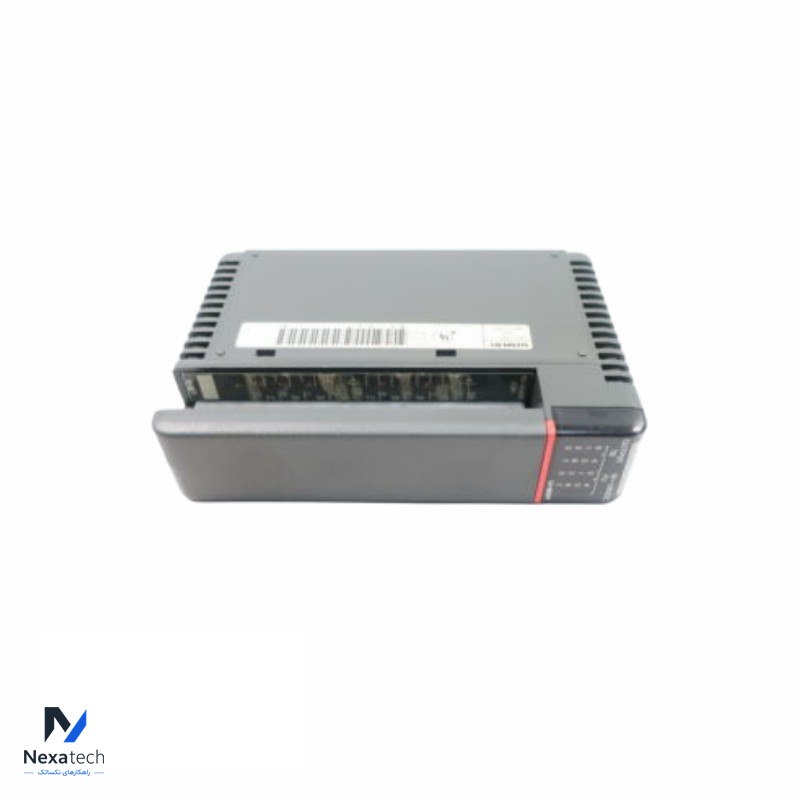
SIEMENS U-55T Output Module
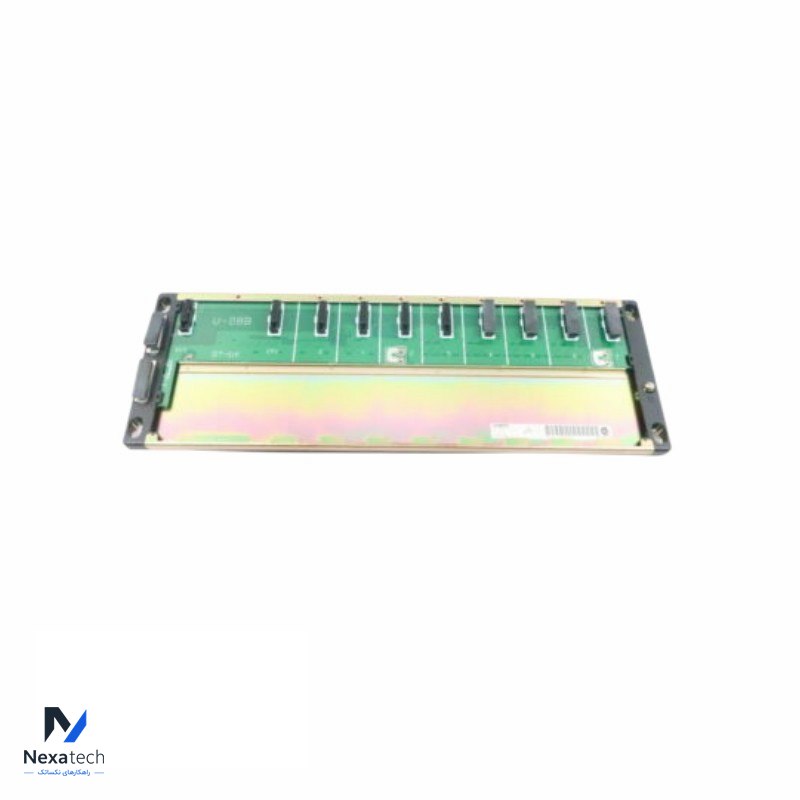
Siemens U-08B 8 Slot Base Rack Module
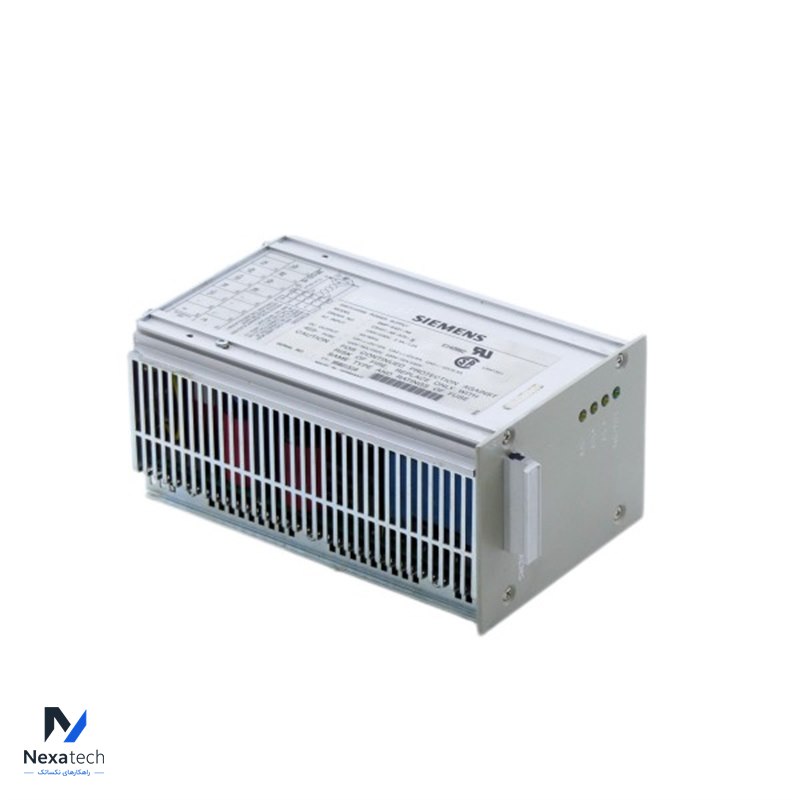
Siemens SMP-E431-A6 Power Supply Module
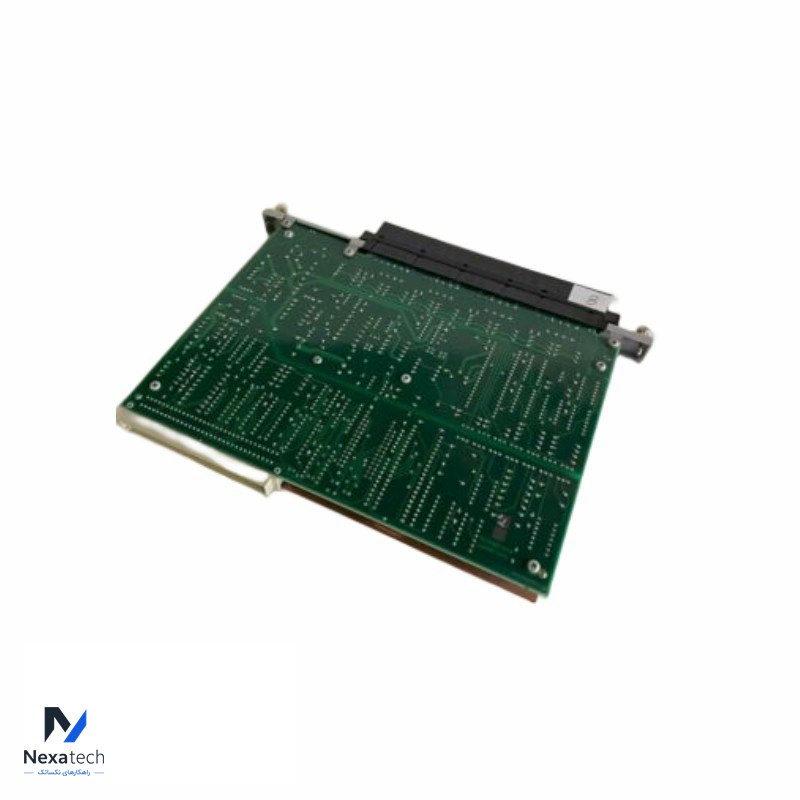
Siemens Texas Instruments 505-6108A Analog Input Module
Siemens SCALANCE X204-2 6GK5204-2BB10-2AA3 Managed IE Switch