Prosoft
تصویر محصول در حال بروزرسانی است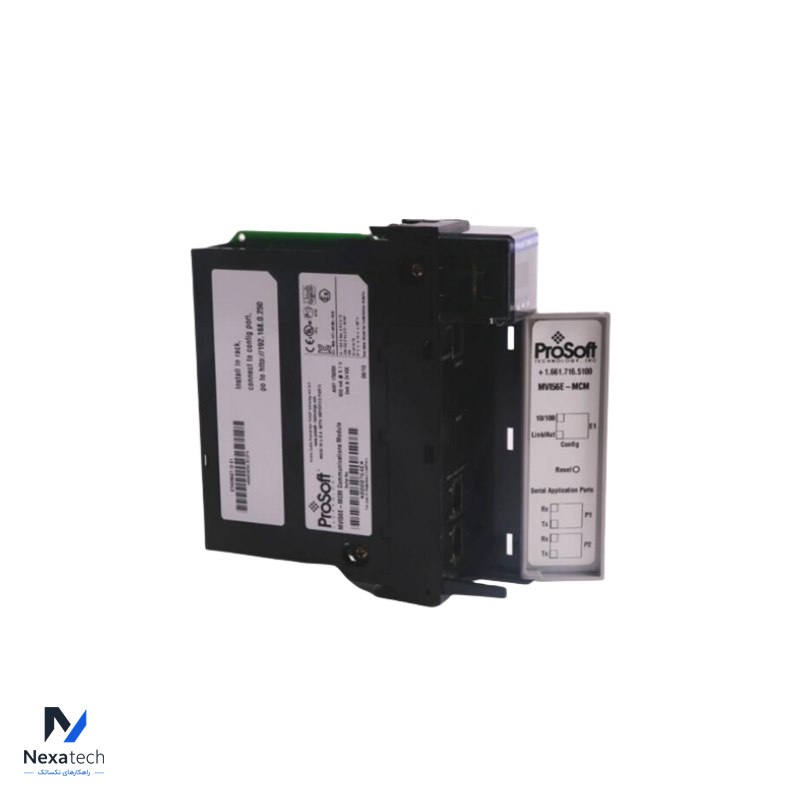
Prosoft
PROSOFT MVI56E-MCMR Modbus Communication Module with Reduced Data Block
پارتنامبر: MVI56E-MCMR
توضیحات محصول
Modbus Communication Module with Reduced Data Block
مشخصات فنی
| Brand Name: | PROSOFT | ||
| Model Number: | MVI56E-MCMR | ||
| Alternate Part Number | MVI56E-MCMR | ||
| Condition: | 100% Original | ||
| Dimensions |
3.5x14x14.5cm | Weight | 0.26KG |
| Description | Modbus Communication Module with Reduced Data Block | Warranty: | 12 Months |
| | | | |


System Requirements
The MVI56E-MCMR module requires the following minimum hardware and software components:
• processor (firmware version 10 or higher), with compatible power supply, and one free slot in the rack for the MVI56E-MCMR module. The module requires 800 mA of available 5 Vdc power and 3 mA of available 24 VDC power.
• RSLogix 5000 programming software
o Version 16 or higher required for Add-On Instruction
o Version 15 or lower must use Sample Ladder
• RSLinx® communication software version 2.51 or higher
• ProSoft Configuration Builder (PCB) (included)
• ProSoft Discovery Service (PDS) (included in PCB)
• Pentium®
II 450 MHz minimum. Pentium III 733 MHz (or better) recommended
• Supported operating systems:
o Microsoft Windows 10
o Microsoft Windows 7 Professional (32-or 64-bit)
o Microsoft Windows 2000 Professional with Service Pack 1, 2, or 3
o Microsoft Windows Server 2003
• 128 Mbytes of RAM minimum, 256 Mbytes of RAM recommended
• 100 Mbytes of free hard disk space (or more based on application requirements)
Package Contents
The following components are included with your MVI56E-MCMR module, and are all required for installation and configuration.
Setting Jumpers
There are three jumpers located at the bottom of the module. The first two jumpers (P1 and P2) set the serial communication mode: RS-232, RS-422 or RS-485.
The Setup Jumper acts as "write protection" for the module’s firmware. In "write protected" mode, the Setup pins are not connected, and the module’s firmware cannot be overwritten. The module is shipped with the Setup jumper OFF. Do not jumper the Setup pins together unless you are directed to do so by ProSoft Technical Support (or you want to update the module firmware).
محصولات مرتبط
Prosoft
تصویر محصول در حال بروزرسانی است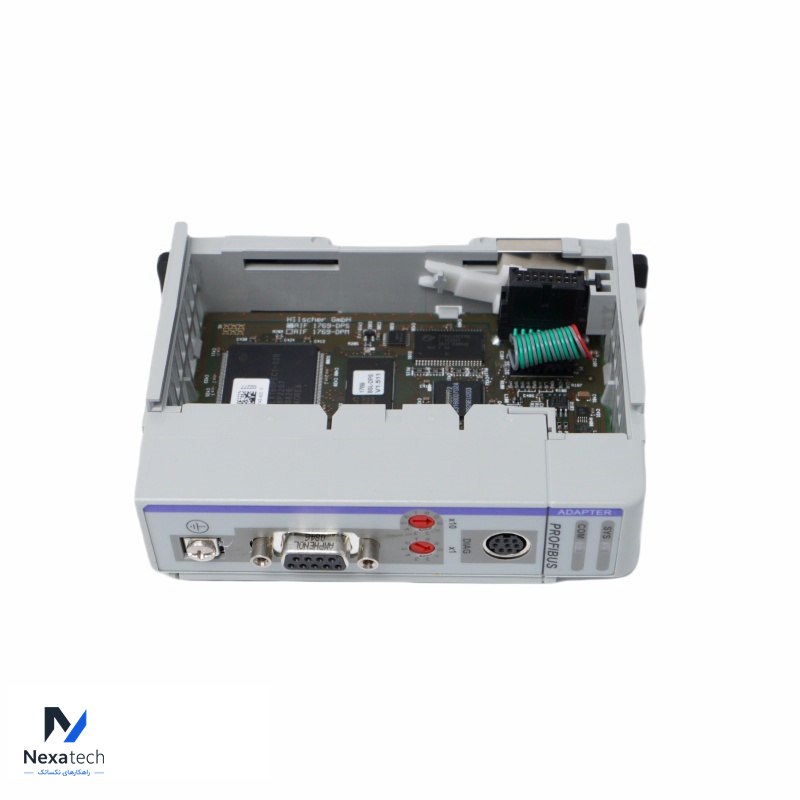
PROSOFT PS69-DPS Profibus DP Slave Communication Module
Prosoft
تصویر محصول در حال بروزرسانی است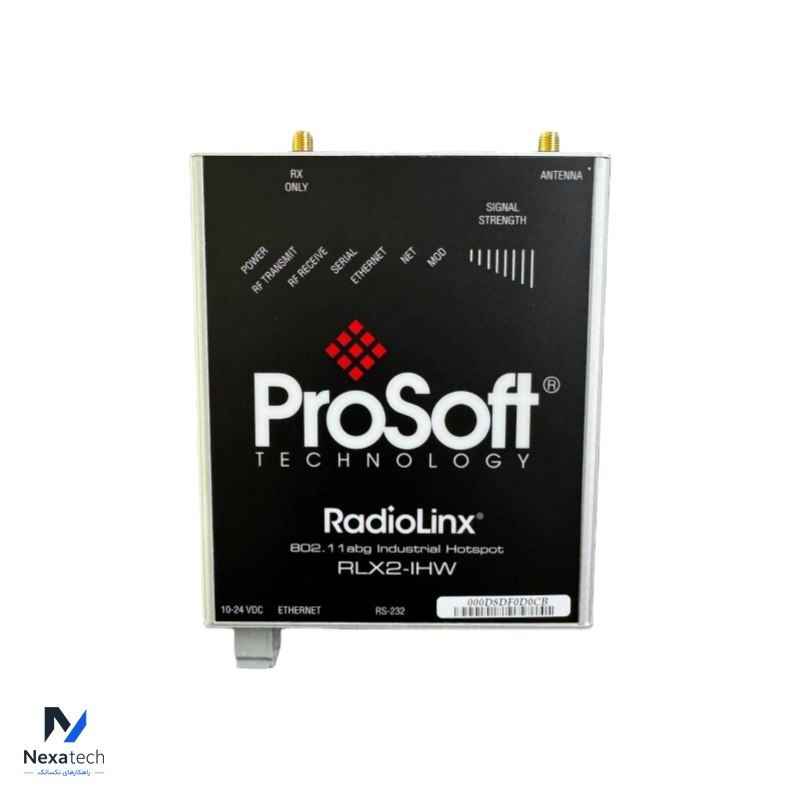
PROSOFT RLX2-IHW Industrial Hotspot
Prosoft
تصویر محصول در حال بروزرسانی است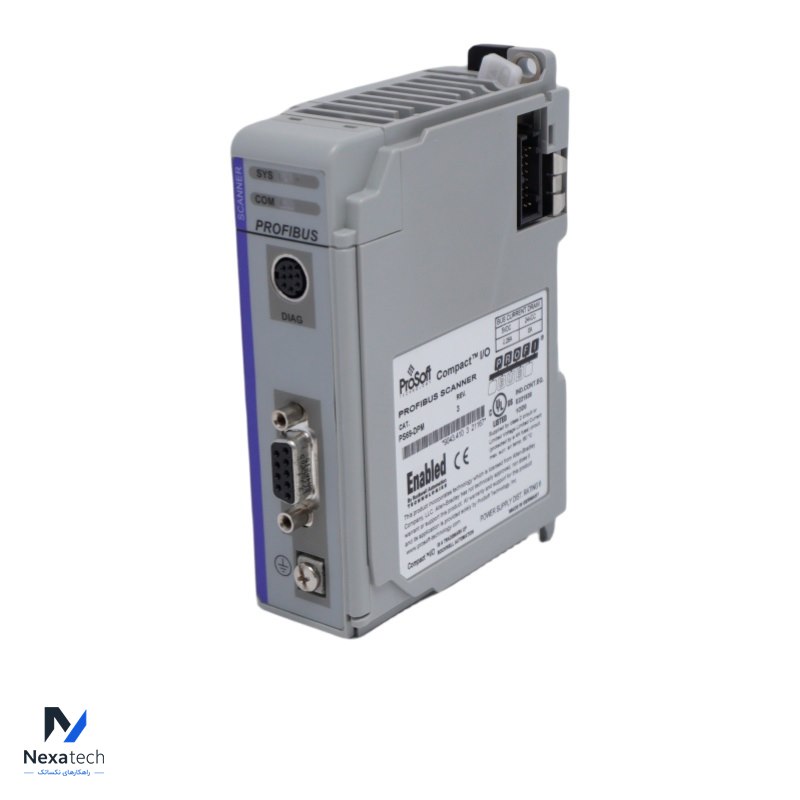
PROSOFT PS69-DPM Master Network Interface Module
Prosoft
تصویر محصول در حال بروزرسانی است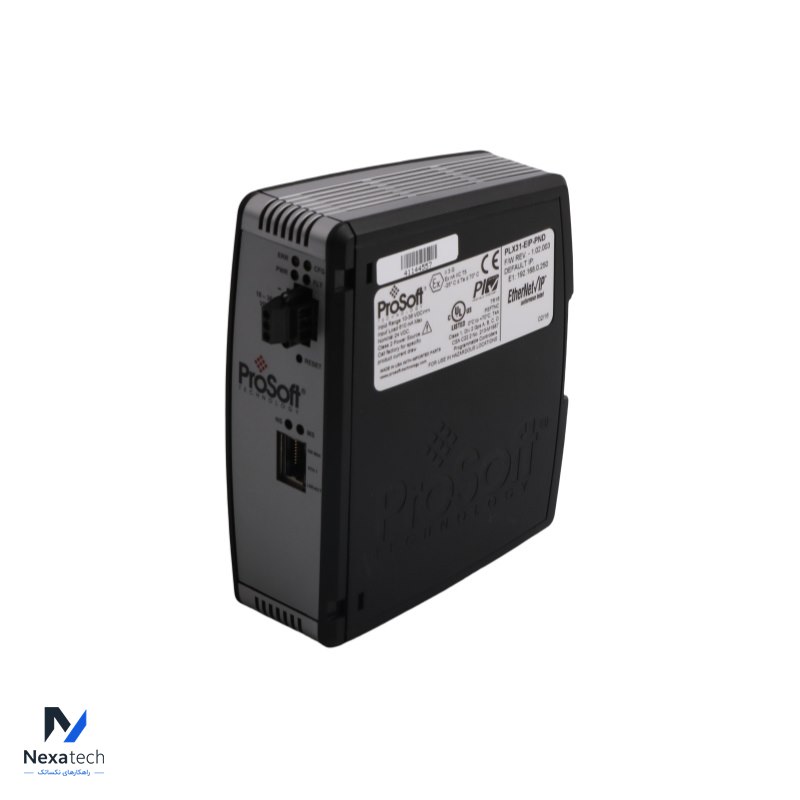
PROSOFT PLX31-EIP-PND EtherNet/IP™ to PROFINET IO Device (Slave) Gateway
Prosoft
تصویر محصول در حال بروزرسانی است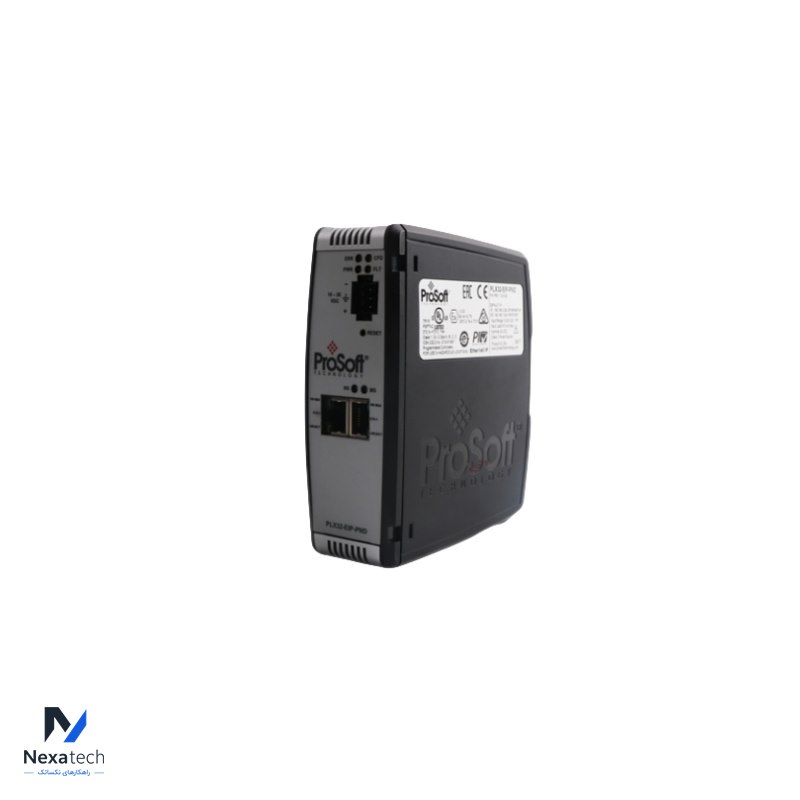
PROSOFT PLX32-EIP-PND EtherNet/IP™ to PROFINET® Gateway for dual subnets
Prosoft
تصویر محصول در حال بروزرسانی است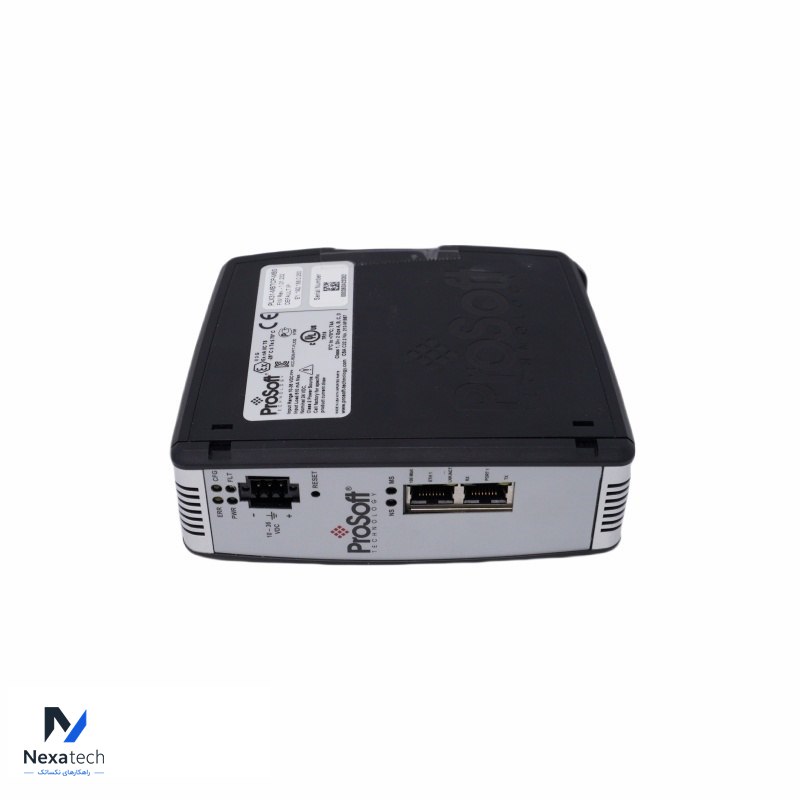
PROSOFT PLX31-MBTCP-MBS Serial Communication Module
Prosoft
تصویر محصول در حال بروزرسانی است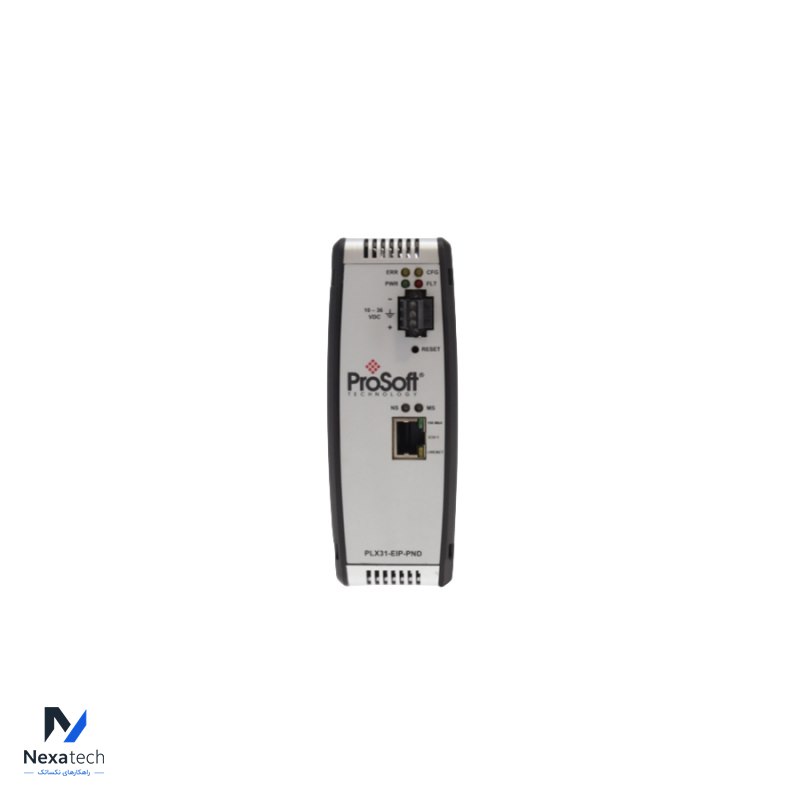
ProSoft PLX31-EIP-MBTCP communication gateway
Prosoft
تصویر محصول در حال بروزرسانی است